
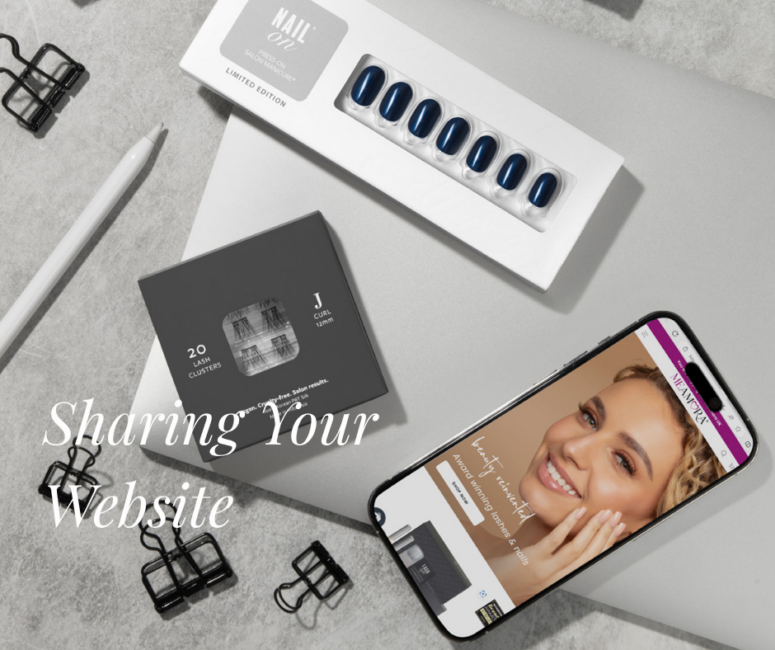
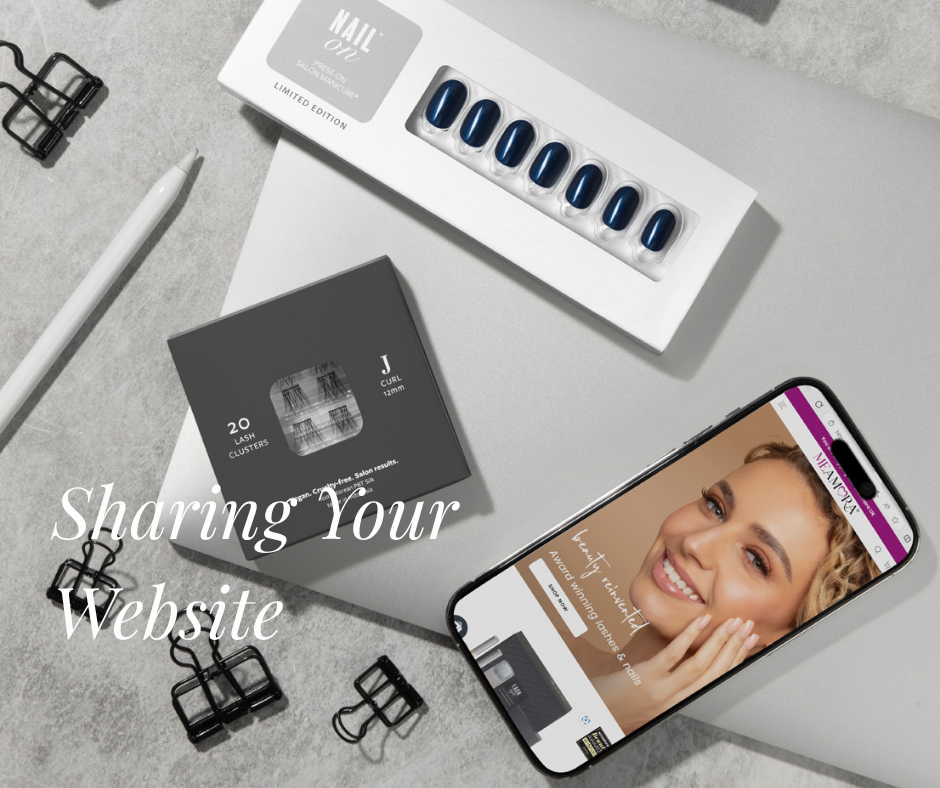
Congratulations on taking the first step to share your MeAmora website! Here’s everything you need to know to confidently share your link and guide your customers.
Platform & Payments
What platform powers my personal website? Your personal website is powered by Shopify, the world’s leading e-commerce platform. This means your customers get a fast, secure and world-class shopping experience.
What payment options are available for my customers? To make checkout seamless, alongside the usual major credit cards. customers can pay using a variety of secure options:
- Digital Wallets: Apple Pay, Google Pay and PayPal
- Instalments: PayPal’s Pay in 3 option is available for baskets over £30/€30 It will be automatically offered to customers at the first stage of the checkout, provided they are eligible.⚠️ Please note: Eligibility for the Pay in 3 option is determined solely by PayPal, not MeAmora.
The Checkout Experience
Why is my customer seeing a pre-populated address at checkout? Because Shopify powers over 2.8 million other retailers, many customers have opted-in to have the platform remember their details for faster checkout.
💡 Stylist Tip: When talking to repeat online shoppers, gently remind them to double-check their address fields at checkout to ensure it hasn’t pre-populated with an old or incorrect address!
Sharing Your Link & Getting Credit
Where do I find my personal website link? Your unique website link can be found directly in your MEA app by clicking ‘Share Shopping Link’ Copy it from there and start sharing it with your network, on social media or via direct message!
How do I know my customers are connected to me? We use two powerful methods to ensure you get credited for your sales:
- The Purple Referrer Bar (Cookies): When a customer clicks your link and accepts cookies, they will see your name displayed in a purple referrer bar at the top of the site.
- The Stylist Selector Tool (No Cookies): We know some customers prefer to decline cookies. Don’t worry! If they do, our Stylist Selector Tool catches them at the basket page, prompting them to search for and select their Stylist’s name.
📸 Action Item: Add a profile image to your MEA profile today! When a customer searches for you at the basket page, your photo will appear next to your name so they know they’ve found the right person.
Orders & Tracking
How will I know when a customer has placed an order? You will receive an automated notification email when a customer places an order.
How long does it take for orders to show up in my MEA portal and for the notification email to arrive? Both your notification email and the order data inside your MEA portal can take around 30 minutes to process and appear. If a customer tells you they’ve just ordered, don’t worry if you don’t see it or get the email instantly, give the system a brief window to sync up!